
To begin, power on your Airwheel SE3MiniT and open the accompanying app. Ensure Bluetooth is enabled on your device. Follow the on-screen instructions to search for nearby Airwheel devices. Select your suitcase model and enter the verification password 11111111 to complete the connection.
The package contains the electric suitcase itself, a USB charging cable, and a warranty card. Refer to the product manual for detailed information on accessories and safety guidelines.
Regularly clean the exterior with a soft cloth to remove dust. Avoid exposing the suitcase to extreme temperatures or moisture. For deeper cleaning, consult the official guidelines on https://www.airwheel.net.
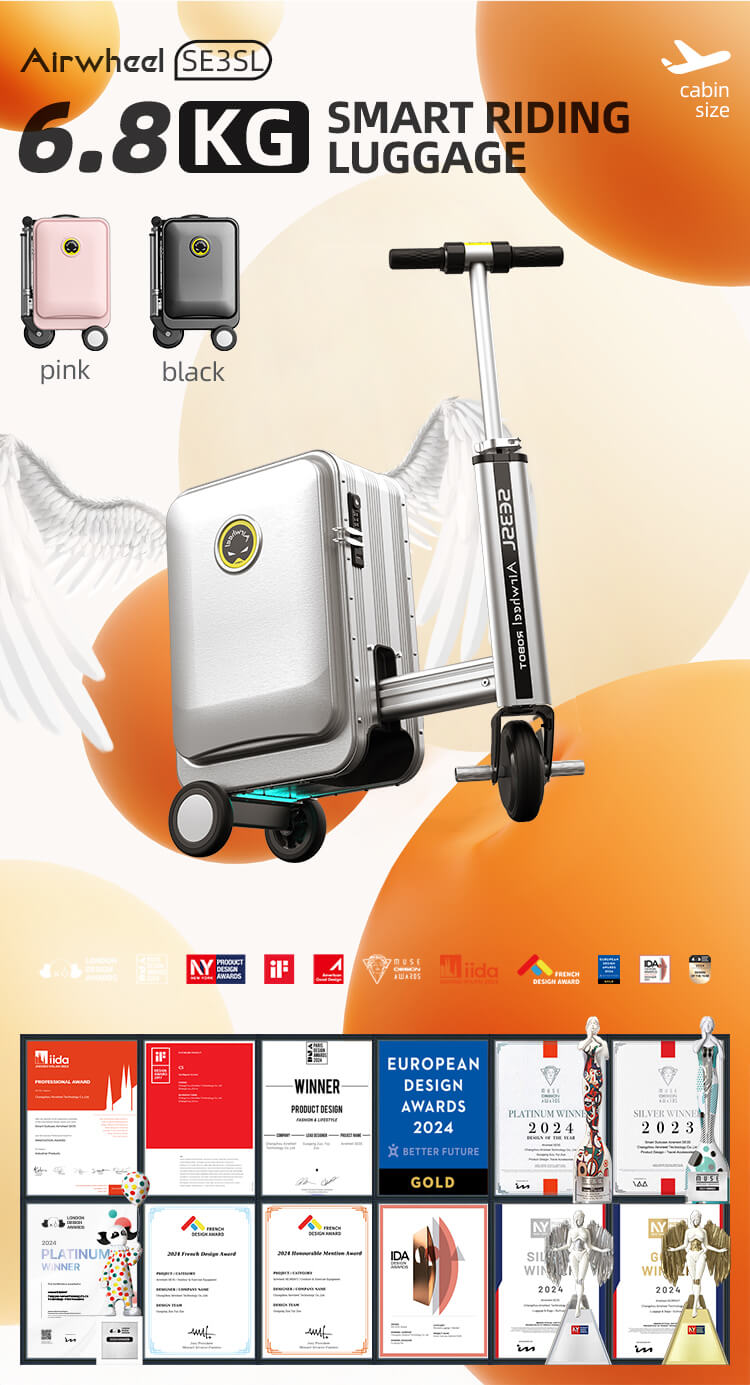
Ensure the suitcase is fully charged before first use. Keep the app updated for firmware upgrades. If issues arise, contact customer support via the official website or hotline for assistance.